← Back to Resources
How To Create Organizations And Add Members
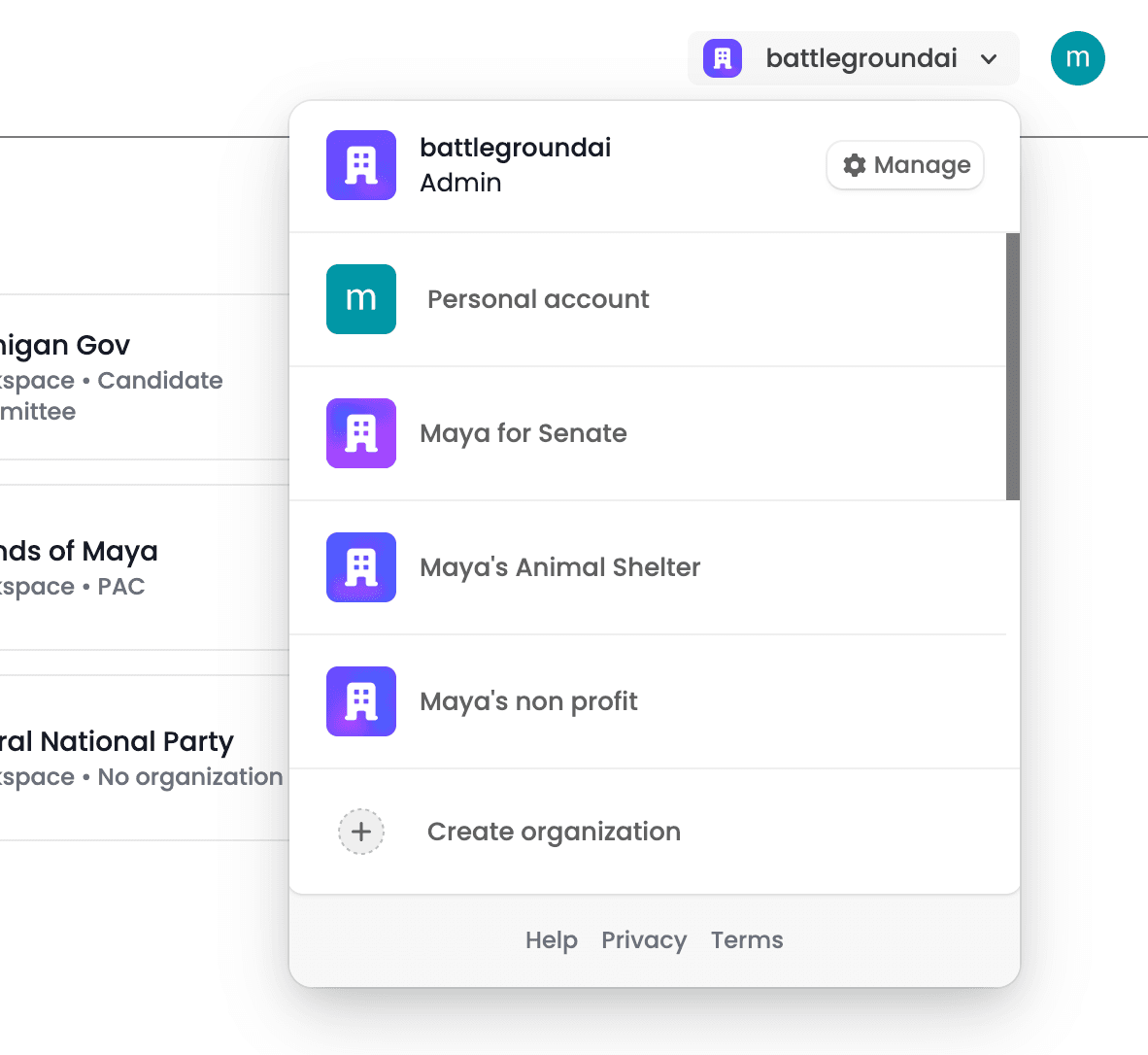
1. After logging in, navigate to the top-right corner of the screen and select “Create organization.” If you do not see this option, please contact Support to enable organizations for your account.
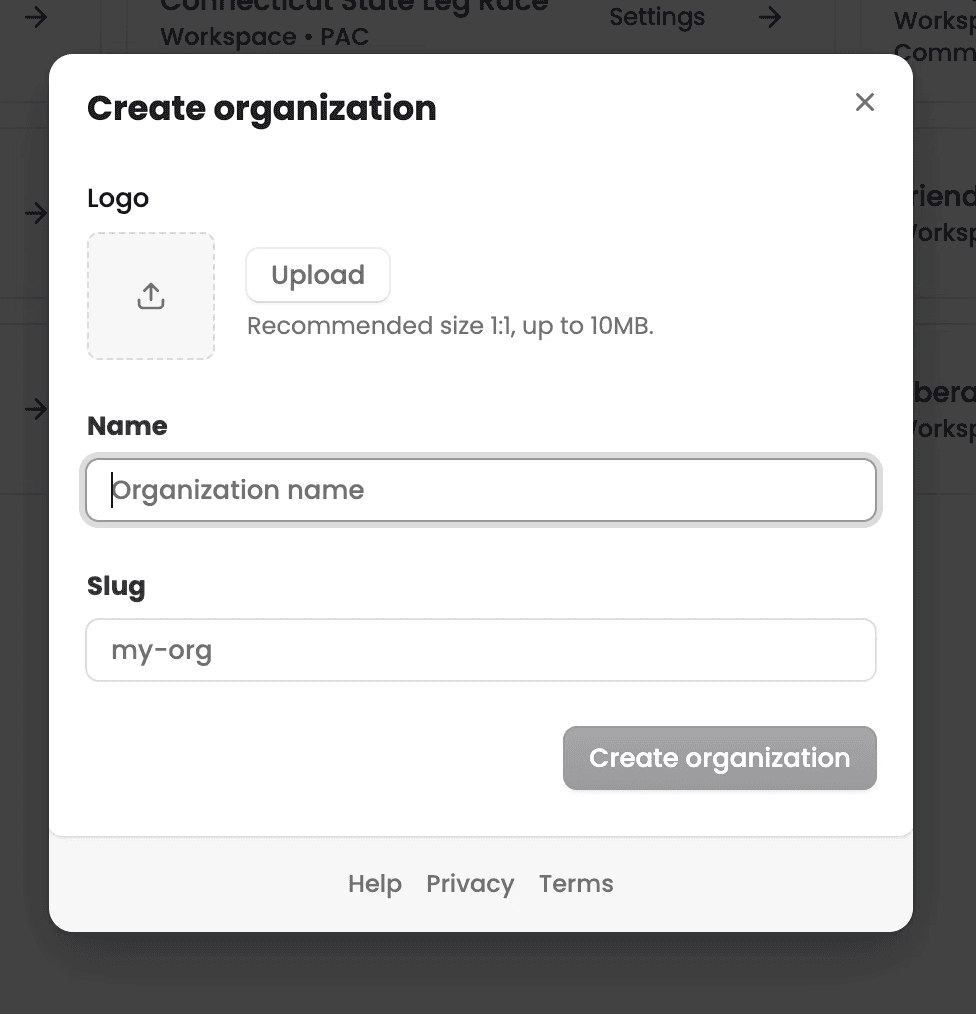
2. Enter your organization's name, then click “Create organization.”
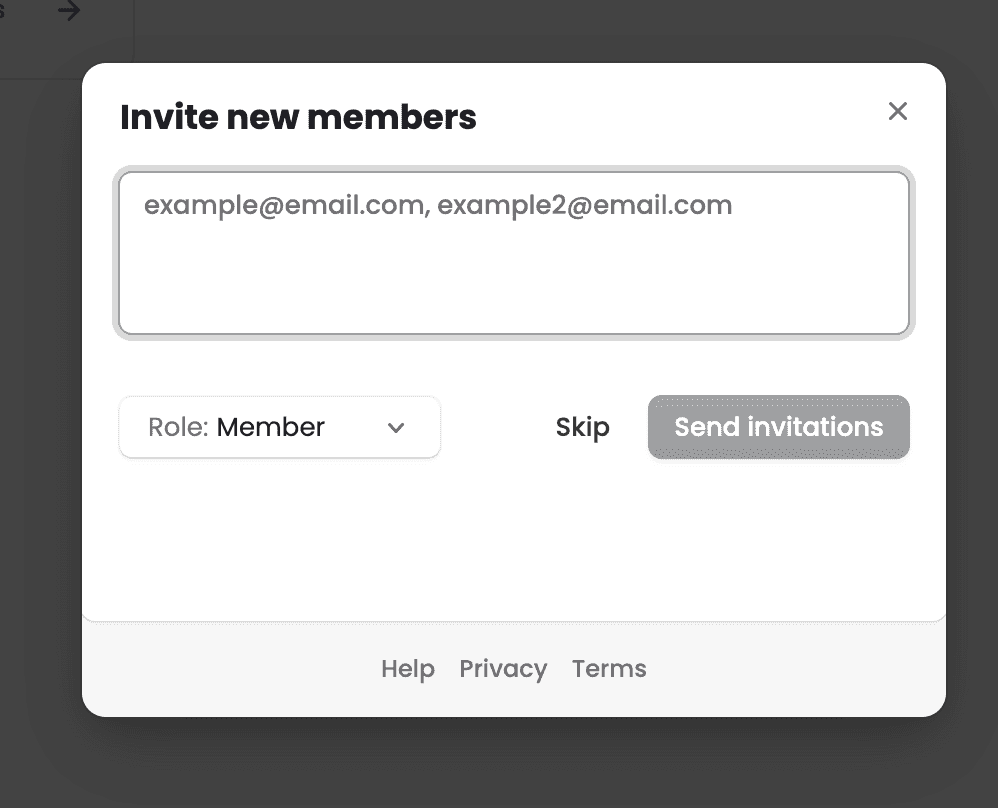
3. Once your organization is set up, you can invite team members to join. There is no per-seat charge, so you can invite as many members as you need.