← Back to Resources
A Guide to Workspaces
A Workspace is a reusable container that stores required governance rules specific to each advertising campaign and content type.
Within your workspace, content creation is bounded by rules and parameters. This reduces the need for addressing all aspects of compliance after creative pieces are generated, so your content is compliant from the start.
What is the purpose of a workspace?
A Workspace creates an environment where critical governance rules are already applied for you in the creation process and are consistent across every piece of creative.
Use when:
You want to generate compliant advertising imagery or videos
You need state-specific guidance
You want brand, size, format consistency
What does a workspace do?
A Workspace lets your team create advertising content within predefined legal rules, policies, brand stands, and organizational rules.
Contains
Federal regulations
State regulations
Asset sizes and formats
Brand rules
Accessibility requirements
Relationships
Used by campaigns
Contains rule sets
Generates reviews
Supports human approval
How do you create a Workspace?
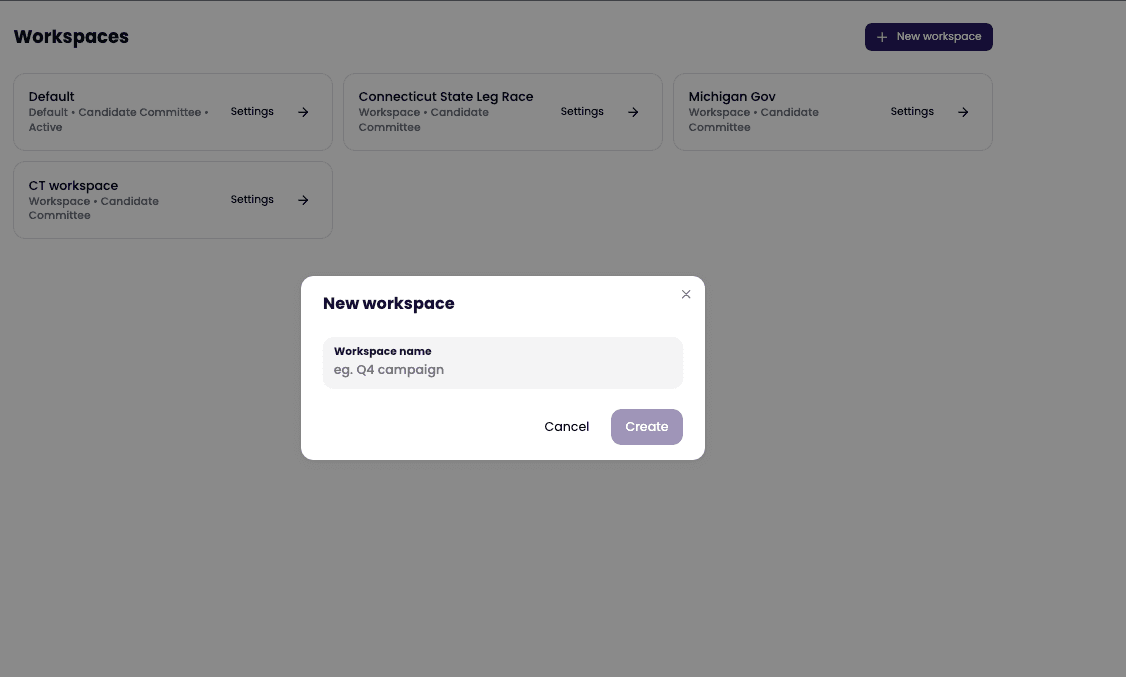
1. Create a new workspace and name it
2. Select organization type
3. Select jurisdiction
4. Include organization name
5. Click save and start creating
6. Fill in customizable copy, images, brand colors and fonts
7. Generate creative
8. Human review
9. Download and publish
What happens when your rules change?
Your affected workspaces receives an update
Your future content generations use new rule
Your previous assets remain unchanged
Your audit history is preserved
Example:
Input:
Organizations:
State Legislature Candidate Committee
Jurisdiction:
Connecticut
Rules
Content type
Video
Brand assets
Colors, fonts
Outputs:
Generated advertising
Video assets
Required disclosures
Written disclaimer and voice over
Compliance recommendations
Reviewed rules to confirm
Human review capabilities